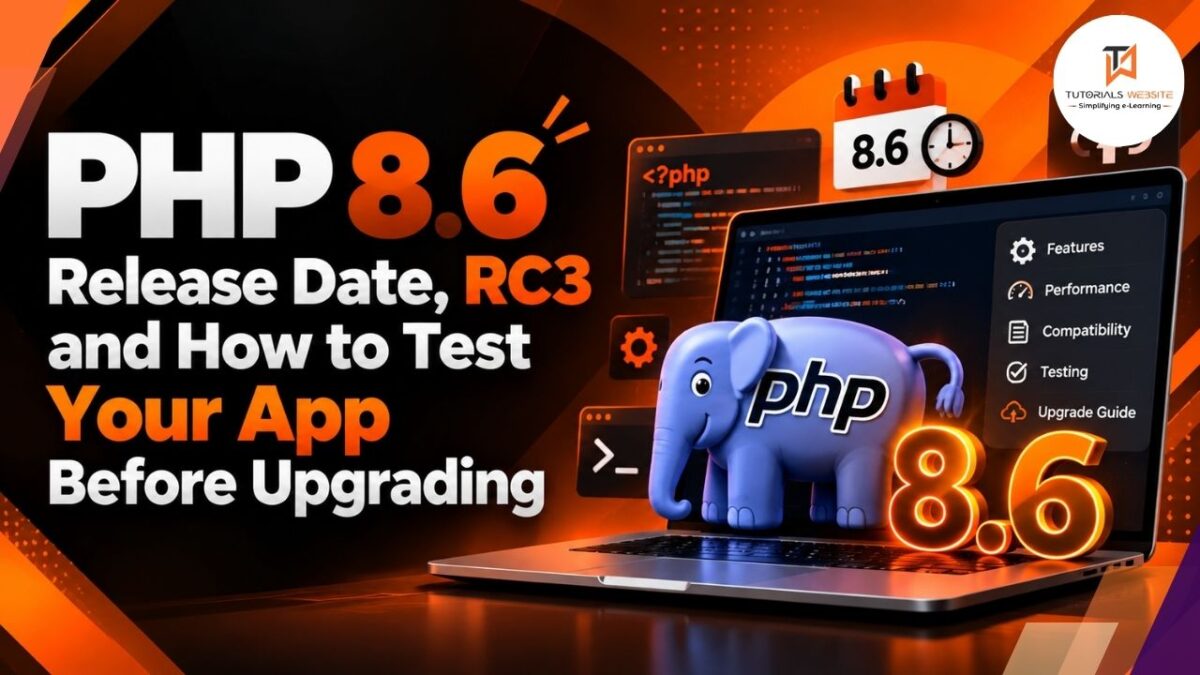
The PHP 8.6 release date is 19 November 2026. Three release candidates come first, starting with RC3, which was scheduled for 8 October 2026. If you run PHP, Laravel or WordPress sites, you have about six weeks to test your code against PHP 8.6 before hosts start offering it.
I test release candidates on client projects before every stable release, because bugs found now are cheaper to fix. Below you’ll find the timeline, the features worth using, what can break, and a Docker setup for testing without touching your live server.
Get a professionally designed and developed website tailored to your needs.
As an experienced website developer based in Delhi NCR, I offer customized solutions to build responsive, SEO-friendly, and user-friendly websites. Whether it’s for a personal blog, business site, or e-commerce store, I ensure your online presence stands out.
PHP 8.6 release date and RC timeline
This is the schedule from the official PHP 8.6 release page on the PHP wiki:
| Release | Date |
|---|---|
| RC1 | Skipped (packaging mistake) |
| RC2 | 24 September 2026 |
| RC3 | 8 October 2026 |
| RC4 | 22 October 2026 |
| RC5 | 5 November 2026 |
| Stable PHP 8.6.0 | 19 November 2026 |
The RC2 announcement on php.net says: “Please DO NOT use this version in production, it is an early test version.” The same goes for RC3. Keep it on your laptop, in Docker or on a staging server.
One more date matters if you’re still on PHP 8.2. According to php.net’s supported versions page, security support for PHP 8.2 ends on 31 December 2026. If your site is on 8.2, plan the upgrade now.
What’s new in PHP 8.6
The full list is in the PHP 8.6 UPGRADING notes. These are the PHP 8.6 features I expect most developers to actually use.
clamp() keeps a value inside a range
PHP 8.6 adds clamp(), which replaces the old max($min, min($max, $value)) trick. Both bounds are inclusive:
php
clamp(6, min: 1, max: 3);   // 3
clamp(0, min: 1, max: 3);   // 1
clamp(2.5, 1, 3);           // 2.5

// Limit cart quantity coming from a form
$qty = clamp((int) ($_POST['qty'] ?? 1), 1, 10);
If $min is greater than $max, or either bound is NAN, it throws a ValueError.
Partial function application
With partial function application, you fill in some of a function’s arguments now and get back a Closure that takes the rest. A ? stands for exactly one missing argument, and ... stands for any remaining ones. The RFC passed 33 votes to 0.
php
function price_with_gst(float $amount, int $rate): float
{
    return $amount + ($amount * $rate / 100);
}

$withGst18 = price_with_gst(?, 18);   // Closure that takes $amount
echo $withGst18(1000);                // 1180
It pairs well with the pipe operator (|>) that arrived in PHP 8.5:
php
$total = $cartPrices
    |> array_sum(...)
    |> price_with_gst(?, 18);
Readonly properties can have default values
Before 8.6, giving a readonly property a default value was a compile-time error. The readonly property defaults RFC (24 votes for, none against) removes that restriction:
php
final class GatewayConfig
{
    public readonly string $currency = 'INR';
}
The default counts as the one allowed assignment. If you try to change the property later, even from the constructor, PHP throws an error.
Time\Duration class
PHP 8.6 adds an immutable Time\Duration class for lengths of time. You create one with a named constructor such as fromSeconds(), fromMilliseconds(), fromMinutes(), fromHours() or fromIso8601DurationString():
php
use Time\Duration;

$timeout = Duration::fromSeconds(30);
For now, Io\Poll\Context::wait() from the new polling API is the only built-in function that accepts it.
Smaller additions
#[\Override] now works on class constants, enums can define __debugInfo(), and there are new APIs for polling and stream errors. OpenSSL also gains TLS session resumption.
PHP 8.6 changes that can break your code
Secure session defaults (watch your payment callbacks)
PHP 8.6 changes three session defaults. The “old” column comes from the php.net session configuration page.
| Setting | Old default | PHP 8.6 default |
|---|---|---|
session.use_strict_mode | 0 | 1 |
session.cookie_httponly | 0 | 1 |
session.cookie_samesite | empty (not set) | Lax |
They’re better for security, but watch SameSite=Lax. As MDN explains, browsers don’t send Lax cookies on cross-site POST requests.
That matters in India because many payment gateways send the customer back to your site with a POST request after payment. If your callback page reads the order from $_SESSION, the session can come back empty after the upgrade, and a paid order may look abandoned. If you followed our PhonePe V2 Standard Checkout in PHP or Cashfree payment gateway in PHP guides, test those return URLs on staging. A safer pattern is to look up the order by the order or transaction ID the gateway sends, then confirm the payment status with the gateway’s API.
If your host’s php.ini sets these three values explicitly, the host’s values still apply. Run phpinfo() on the new version to see which values are in effect.
Other behaviour changes
trim(),rtrim()andltrim()now strip the form feed character (\f) by default.preg_grep()returnsfalseon execution errors instead of a partial array.array_filter(),pathinfo(),scandir()andarray_change_key_case()throwValueErrorfor invalid flag or mode arguments.fclose(),file_put_contents()andcopy()returnfalsewhen flushing or closing fails.
Deprecations to clean up
Deprecated code still runs in PHP 8.6, but it fills your logs and will break in a later version. These are the ones I expect to see most in older PHP and WordPress plugin code:
spl_object_hash(). Usespl_object_id()instead.is_double(),is_long(),is_integer()anddoubleval(). Useis_float(),is_int()andfloatval().mysqli_get_charset()andmysqli_stmt_init().returninside afinallyblock.- Returning a value from
__construct()or__destruct(). - The third argument to
define(). metaphone(),strcoll()andSORT_LOCALE_STRING.- The mbregex functions, because the Oniguruma library behind them is no longer maintained.
How to test your app on PHP 8.6 RC3
Step 1: Pull the PHP 8.6 RC Docker image
The official PHP Docker image publishes release candidate tags, and the 8.6-rc tags always point to the latest RC. Check which version you get:
bash
docker run --rm php:8.6-rc-trixie php -vThe full tag list is on Docker Hub.
Step 2: Lint every PHP file
Catch syntax errors first. This command prints only the files that fail:
bash
docker run --rm -v "$PWD":/app -w /app php:8.6-rc-trixie \
  sh -c 'find . -name "*.php" -not -path "./vendor/*" -print0 | xargs -0 -n1 php -l | grep -v "No syntax errors"'
Step 3: Run your Laravel or Composer test suite
The PHP image doesn’t include Composer. The simplest approach is to run composer install on your own machine as usual, then run the tests inside the RC container:
bash
docker run --rm -v "$PWD":/app -w /app php:8.6-rc-trixie \
  php -d error_reporting=-1 -d display_errors=1 vendor/bin/phpunit
If you need pdo_mysql, gd or intl, add them in a small Dockerfile with docker-php-ext-install. If Composer refuses a package because of its PHP version limit, --ignore-platform-req=php gets you past it for testing only. Don’t use it in production, because it hides real incompatibilities.
Step 4: Run a WordPress copy on PHP 8.6
WordPress needs the mysqli extension, which the base Apache image doesn’t include. Create a Dockerfile in a copy of your site’s folder:
dockerfile
FROM php:8.6-rc-apache
RUN docker-php-ext-install mysqli
Then add a docker-compose.yml next to it:
yaml
services:
  web:
    build: .
    ports:
      - "8080:80"
    volumes:
      - ./:/var/www/html
  db:
    image: mysql:8.4
    environment:
      MYSQL_DATABASE: wp
      MYSQL_USER: wp
      MYSQL_PASSWORD: wp
      MYSQL_ROOT_PASSWORD: root
Import your database, set DB_HOST to db in wp-config.php, and turn on logging:
php
define( 'WP_DEBUG', true );
define( 'WP_DEBUG_LOG', true );
define( 'WP_DEBUG_DISPLAY', false );
Run docker compose up --build, open http://localhost:8080, and use the site the way a customer would: log in, submit forms and place a test order. Then search wp-content/debug.log for Deprecated and Fatal. The staging habits from our WordPress 7.1.3 update guide apply here too.
Step 5: Test the risky flows by hand
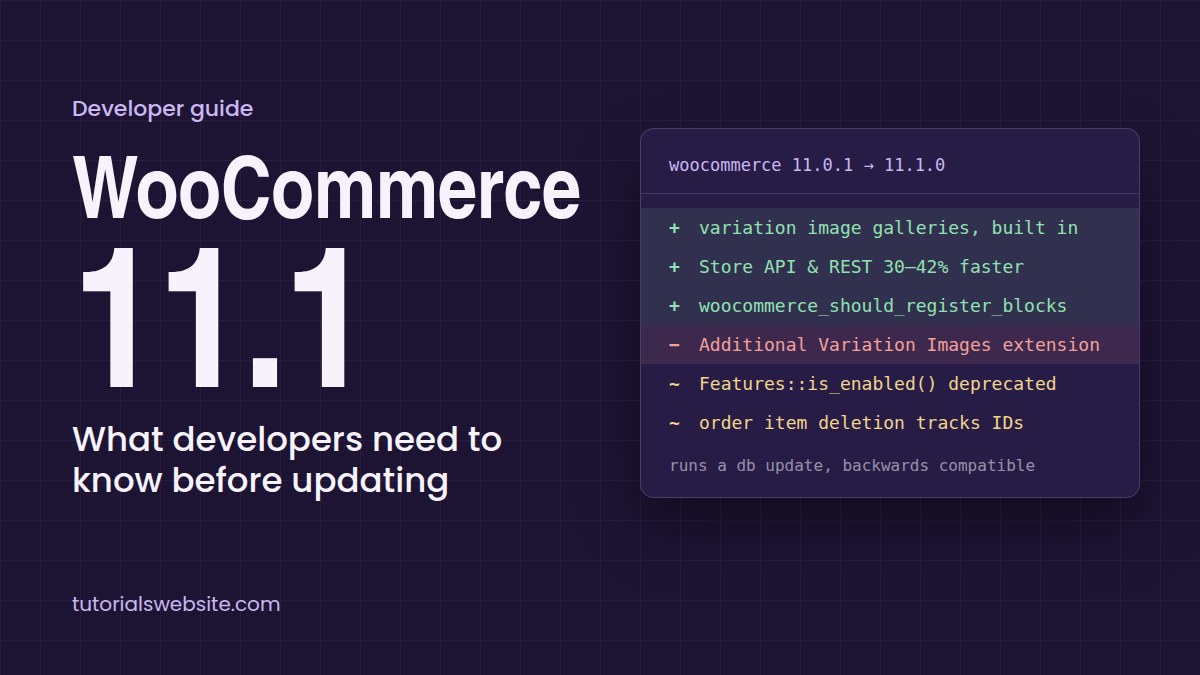
Spend most of your time on login, cart, checkout and payment callbacks, since the session changes affect those first. WooCommerce store owners should also read our WooCommerce 11.1 developer changes post, which covers other recent checkout changes.
When will Indian hosts offer PHP 8.6?
Hosts add new PHP versions to cPanel or their own panels on their own schedule, so don’t expect PHP 8.6 in your PHP selector on 19 November. That’s fine. Fix issues now, and switching later becomes a two-minute change.
Key Takeaways
- The PHP 8.6 release date is 19 November 2026. RC3 was scheduled for 8 October, followed by RC4 on 22 October and RC5 on 5 November.
- New features include
clamp(), partial function application, readonly property defaults and theTime\Durationclass. - The new session defaults (
SameSite=Lax, HttpOnly and strict mode) can break payment gateway callbacks that rely on the session. - Common functions such as
spl_object_hash()andis_integer()are now deprecated. - PHP 8.2 security support ends on 31 December 2026.
- Test in Docker or on staging. Never run a release candidate in production.
FAQs
The stable PHP 8.6.0 release is scheduled for 19 November 2026, according to the PHP wiki. It follows RC3 (8 October), RC4 (22 October) and RC5 (5 November).
No. The PHP team says release candidates are test versions and shouldn’t be used in production. Test with Docker, a local setup or a staging server.
That depends on your theme and plugins. Most code will run, but deprecations, stricter argument checks and the new session defaults can cause warnings, errors or broken payment callbacks. Test a copy of the site first.
clamp($value, $min, $max) returns the value if it’s inside the range. Otherwise it returns the nearest bound. It throws a ValueError if $min is greater than $max.
Need help upgrading to PHP 8.6?
If you want your website or custom app checked and upgraded for PHP 8.6, including payment gateway callbacks, contact me through tutorialswebsite.com and I’ll take a look.
Are you want to get implementation help, or modify or extend the functionality?
A Tutorialswebsite Expert can do it for you.

Pradeep Maurya is the Professional Web Developer & Designer and the Founder of “Tutorials website”. He lives in Delhi and loves to be a self-dependent person. As an owner, he is trying his best to improve this platform day by day. His passion, dedication and quick decision making ability to stand apart from others. He’s an avid blogger and writes on the publications like Dzone, e27.co